CAPABILITIES
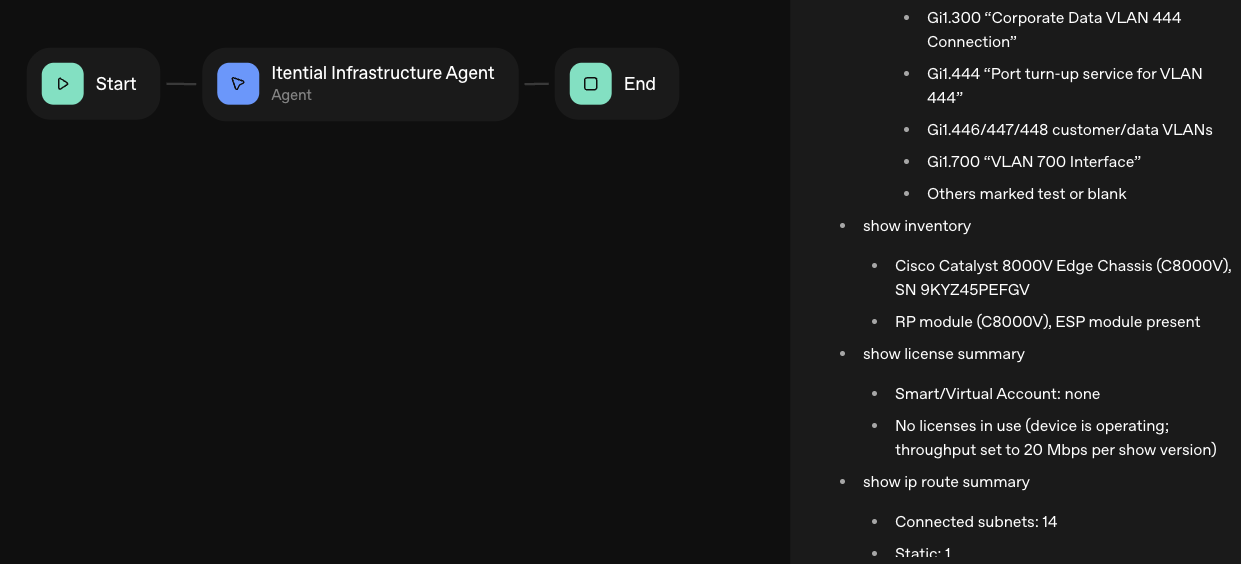
- Build Build agents & workflows visually, with AI, or bring your own.
- Integrate Connect every system, tool, agent, & AI in your stack.
- Execute Execution for agentic & deterministic operations.
- Secure & Govern Govern every action with built-in RBAC, audit & approval gates.
- Operate Self-service operations & real-time visibility.
DEVELOPER RESOURCES










Why Choose Itential
Itential meets you where you are and gives you the platform to move forward with confidence & control.
INITIATIVES
-
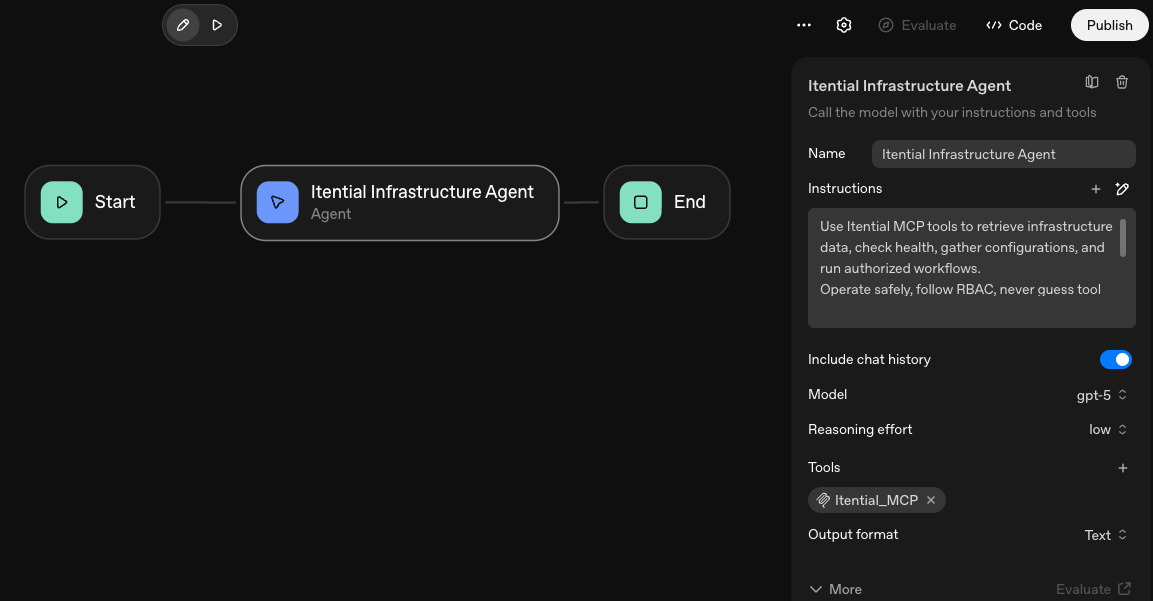
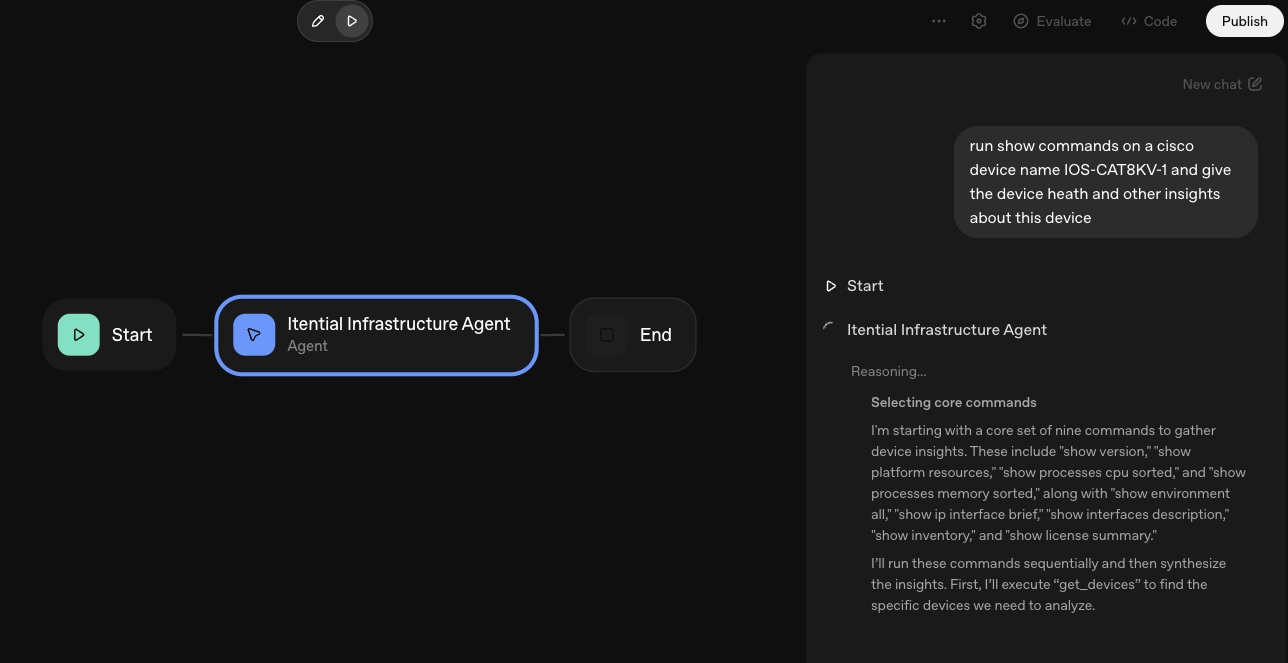
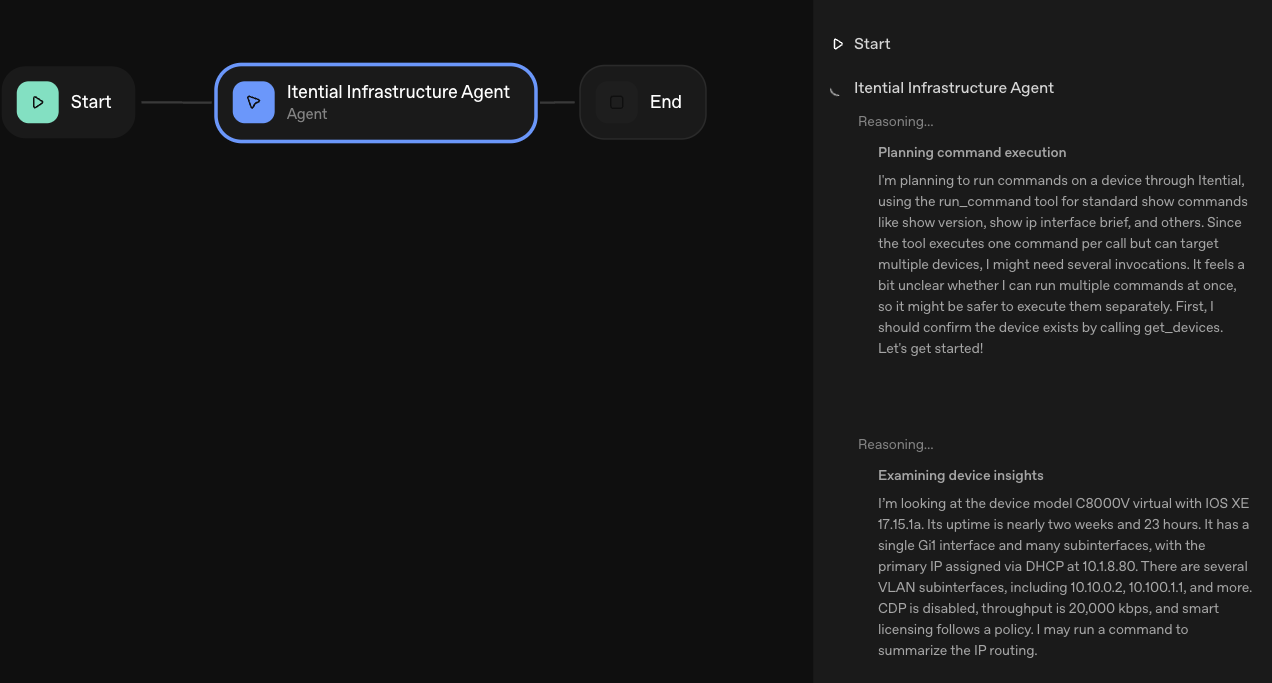
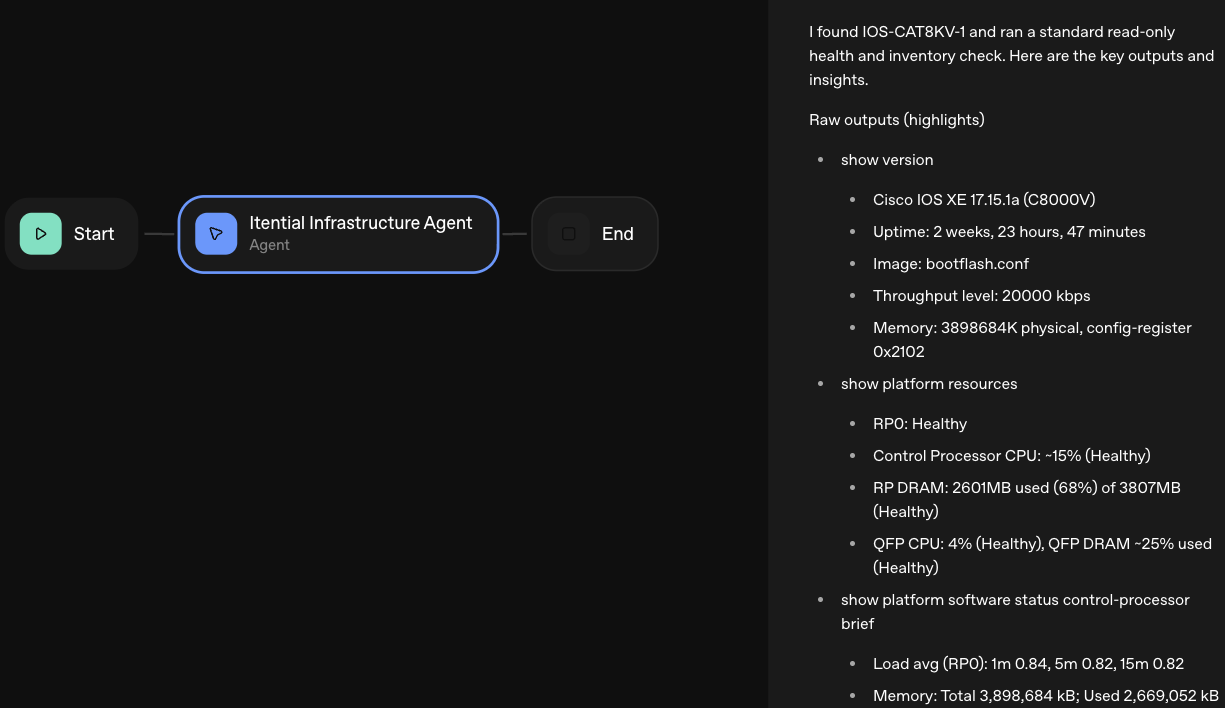
 Agentic Operations Connect AI to infrastructure for trusted, automated actions.
 -
 Infrastructure Modernization Transform legacy networks into modern, AI-ready infrastructure.
 -
 Infrastructure as a Product Deliver network and infrastructure services on demand - self service, governed, & consumed like cloud.
 -
 Hybrid & Multi-Cloud Orchestration Unify hybrid & multi-cloud infrastructure through agentic orchestration.
 -
 Governed Change Management Execute every infrastructure change with pre/post validation, audit evidence, & rollback, human or AI-initiated.
KNOWLEDGE HUB
Explore all Resources
SEARCH BY TYPE